
Drag. Strecke.
Leistung. Gemessen.
Eine App für Drag-Racing, Rundenzeiten, Motorleistung & Drehmoment und den KI-Coach für jede Kurve. Nutze mit Phone Mode kostenlos das GPS deines Telefons, oder verbinde RaceBuddy ONE, Dragy, RaceBox, RaceBox.cc und RaceHF.
Dein Telefon, oder jedes
unterstützte Gerät.
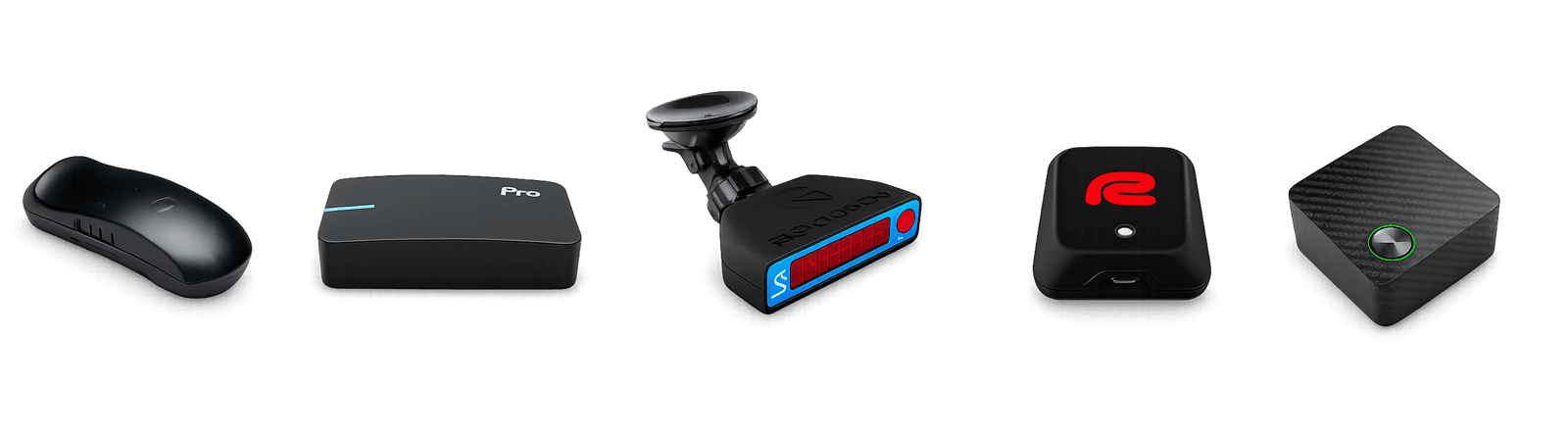
- iPhone GPS
- Android GPS
- RaceBuddy ONE
- Dragy
- Dragy 69
- Dragy 70
- Dragy Pro
- Dragy Lite
- RaceBox.cc
- RaceBox Mini
- RaceBox Mini S
- RaceBox Micro
- RaceHF
Phone Mode nutzt das GPS und die Bewegungssensoren deines Telefons — kostenlos, keine Hardware nötig. RaceBuddy ONE-Besitzer verbinden sich ebenfalls kostenlos. RaceBuddy Pro wird benötigt, um Geräte von Drittanbietern zu verbinden. Externe Empfänger bleiben die genaueste Option.
Rekorde, Trackdays und frische Fahrten aus der RaceBuddy-Community
Bleib immer
in deiner Klasse.
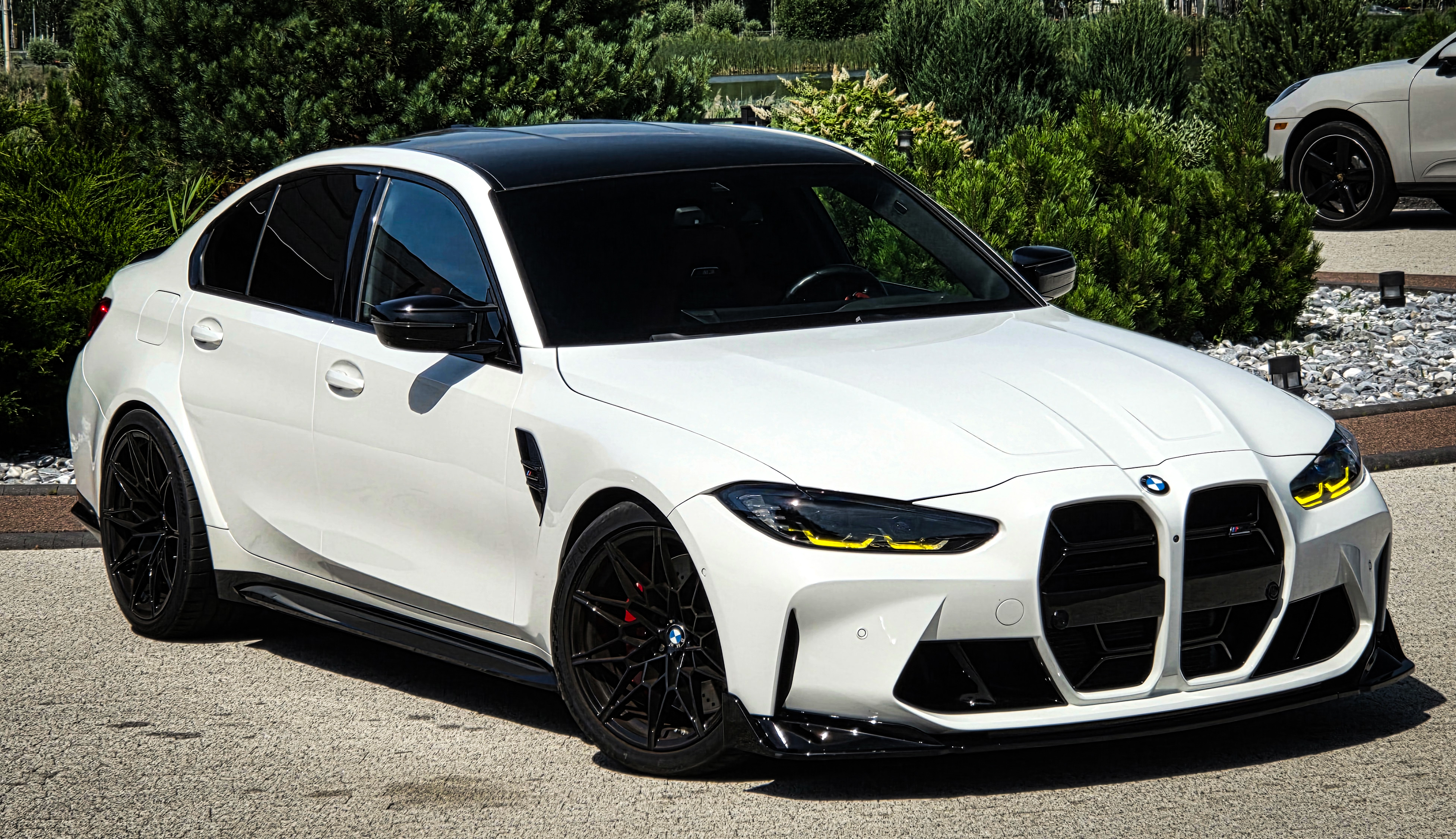
DIFF-Zeit und eine prognostizierte 1/4-Meile live, während du noch beschleunigst. Bremstests, Video mit Live-Overlays und ein Fahrtenverlauf, der Jahre zurückreicht — gebaut für Bracket-Racer und Klassenfahrer, die die Zeit treffen müssen, nicht nur einer neuen Bestzeit hinterherjagen.
DIFF-Zeit + Prognose 1/4 MeilePro
Live-Differenz zu einer Referenzfahrt und eine ständig aktualisierte prognostizierte ET — damit du in deiner Klasse bleibst.
Standard-Messungen
0–60, 0–100, 60–100, eigene Geschwindigkeitspaare, 60 ft, 1/8 Meile und 1/4 Meile mit 1-Fuß-Rollout-Option — jedes Paar mit 0-Start auch als Variante ohne Rollout.
Bremstests
100–0 km/h, 60–0 mph oder jedes selbst definierte Verzögerungspaar. Bremsweg und -zeit, erkannt mit derselben Präzision wie die Starts.
Phone Mode — kein Gerät nötig
Das GPS deines Telefons, fusioniert mit den Bewegungssensoren, in einer Minute kalibriert. Kostenlos auf iPhone und Android. Phone-Fahrten werden als solche markiert und erscheinen nicht in der Rangliste.
Auf Video aufnehmen mit Live-Overlays
Filme den Start direkt in der App: Geschwindigkeitspaare erscheinen live während der Aufnahme, und der Export brennt das Telemetrie-Overlay ins Video ein. Quer- oder Hochformat.
Steigungskorrigierte Genauigkeit
Entfernt die Gravitationskomponente entlang der Strecke, sodass Auf- und Abwärtsfahrten vergleichbar sind. Steigungsrechner ausprobieren →
Dichtehöhe mit WeatherKit
Echtzeit-Luftdichte neben jeder Fahrt — kein statischer Wert.
Fahrten vergleichenPro
Direktvergleich gegen deine eigenen Fahrten oder eine beliebige Fahrt per ID — wähle eine Basis und lies die Unterschiede Zeile für Zeile.
Reale PS & Drehmoment,
aus einer einzigen GPS-Fahrt.
Tippe dein Auto ein. Wir füllen den Rest — Antrieb, Gewicht, Übersetzung, Stirnfläche — mit einem KI-gestützten Profil. Dann verwandelt RaceBuddy deine GPS-Fahrt in PS- und Drehmomentwerte, die du vergleichen, als Karte teilen oder auf rbuddy.io erneut ansehen kannst.
Auto eingeben
Baujahr, Marke, Modell, Ausstattung. Die Smart Garage füllt Antrieb, Leergewicht, Übersetzung und Stirnfläche automatisch aus.
Eine Fahrt, volle KurvePro
Eine saubere Beschleunigungsfahrt erzeugt eine PS- und Drehmomentschätzung, korrigiert um Steigung, Dichtehöhe und Rollwiderstand.
Mehrere Fahrzeuge
Erfasse jedes Auto, das du fährst, und markiere Modifikationen, sodass jedes Ergebnis dem entsprechenden Aufbau zugeordnet bleibt.
Teile die Kurve
Exportiere das Ergebnis als Social-Karte mit dem echten Leistungs- und Drehmomentdiagramm, Spitzenwerten und deinem Autofoto — Post oder Story, ein Tipp.
Smart Garage und KI-Fahrzeugprofile sind für alle kostenlos. Die Leistungs- & Drehmomentmessung ist in RaceBuddy Pro enthalten und funktioniert mit jeder GPS-Quelle, auch mit Phone Mode. Der Rechner gleicht den Beschleunigungsmesser mit dem GPS ab und meldet, wenn die Halterung schief saß. Am besten als vergleichende Messung behandeln, kein Ersatz für einen Prüfstand.
Vergleiche deine Runden mit den
schnellsten der Welt.
Telemetrievergleich Sektor für Sektor — gegen deine beste Runde oder gegen öffentliche Runden aus der globalen Rangliste. Dann sagt dir der KI-Coach Kurve für Kurve, wo die Zeit liegt.
Automatische Streckenerkennung
Fahr los, starte die Session — RaceBuddy erkennt die Strecke aus einer globalen Datenbank und übernimmt automatisch das Sektoren-Layout.
Sektorzeiten & ideale Runde
Live-Delta und theoretisch beste Runde aus deinen besten Sektoren, mit vollständiger Sessionshistorie.
KI-CoachPro
Kurve-für-Kurve-Analyse deiner Session: Einlenk-, Scheitel- und Ausgangsgeschwindigkeiten im Vergleich zu deinen besten Segmenten, Bremspunkte, verlorene Zeit pro Kurve und ein schriftliches Debriefing mit dem einen Punkt, an dem du als Nächstes arbeiten solltest.
Runden vergleichenPro
Vollständiger Telemetrievergleich gegen deine eigenen Runden und gegen Runden aus der globalen Rangliste. Sieh genau, wo du Zeit verlierst.
Eigene Strecke erstellenPro
Definiere überall eigene Start/Ziel- und Sektorlinien — Sprints, Bergrennen, Autocross oder jede nicht gelistete Rennstrecke. Stell dich an die Linie, die Fahrtrichtung wird bei deiner ersten Fahrt automatisch erkannt. Jede Strecke hat eine Detailseite mit Satellitenkarte, Linien, Rangliste und deinen eigenen Zeiten.
Motorräder & Schräglage
Füge dein Motorrad zur Garage hinzu, erhalte ein Schräglagen-Diagramm unter jeder Runde und das Classic-Bike-Video-Layout. Aufgezeichnete Schräglage von RaceBox, oder aus GPS auf jedem Gerät abgeleitet.
Konfigurierbare Rundendiagramme
Wähle, welche Diagramme du unter einer Runde siehst — Geschwindigkeit, Schräglage, G-Kraft, Höhe, Zeitdelta — lege ihre Höhen fest und wähle Punkt-, Fahrzeug- oder automatische Kartenmarker.
VBO- & CSV-Import und -Export
Importiere VBO-Logs und RaceBox-CSV-Sessions direkt in deinen Rundenverlauf — inklusive Runden, Sektoren und Ranglisten-Berechtigung. Export zu VBOX Tools, MoTeC oder deinem eigenen Workflow.
Drag & Runde, im Video.
In deinen Farben.
HD-Aufnahme mit synchronisierten Telemetrie-Overlays. Quer- und Hochformat, vollständig anpassbare Layouts, dein Branding eingebrannt — oder als Greenscreen für die Post-Produktion. Drag und Runde, auf iPhone und Android.
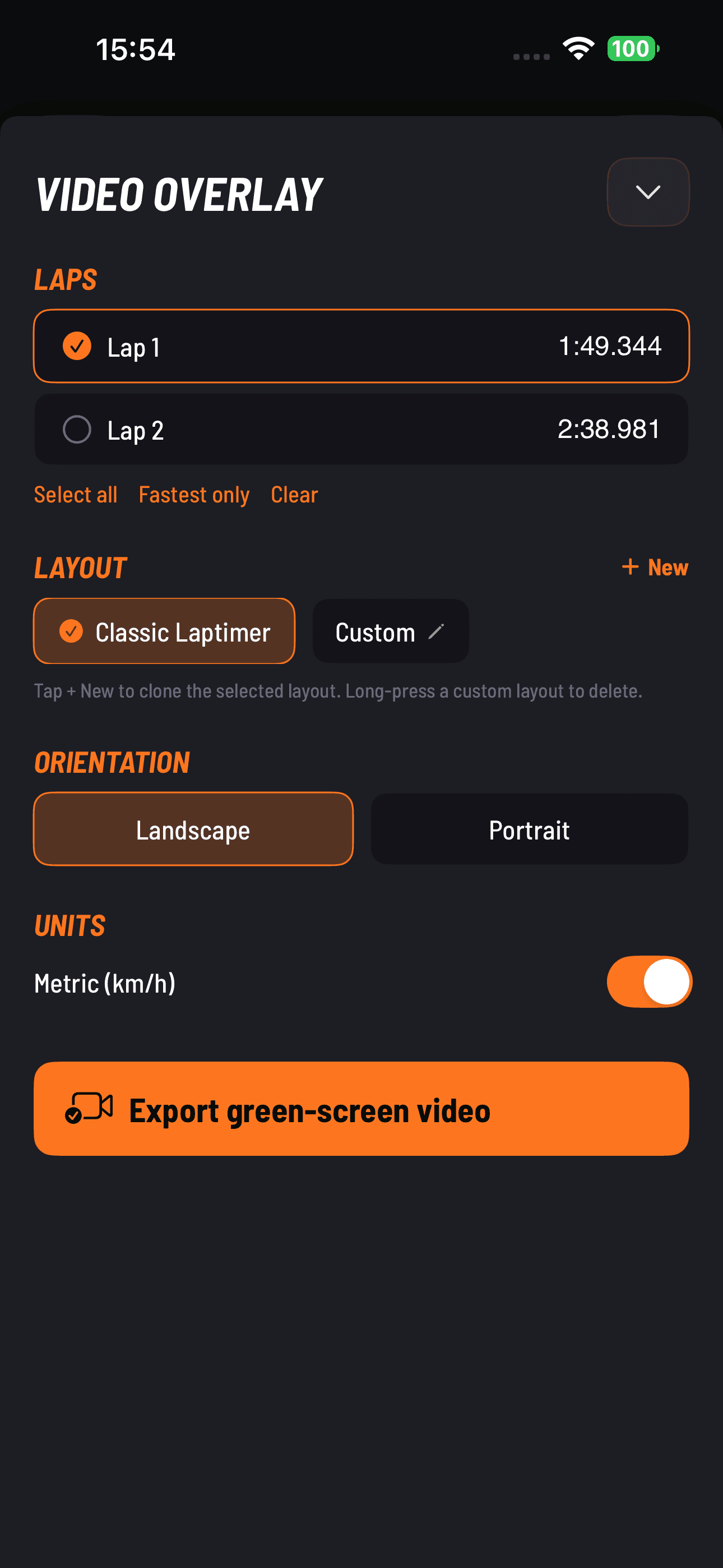
Quer- & Hochformat
HD-Aufnahme mit der Rückkamera und Standard-Telemetrie-Overlay — Geschwindigkeit, G-Kraft, Höhe, Zeit. Bei Drag-Fahrten erscheinen Geschwindigkeitspaare live während der Aufnahme. Montiere, wie du fährst.
Bild-im-BildPro
Front- und Rückkamera gemeinsam im selben Export — Fahrerreaktion neben der Strecke. Front-Kamera-Aufnahme ist in Pro enthalten.
Eigene Layouts + BrandingPro
Wähle, was angezeigt wird, füge Intro/Outro-Grafiken hinzu und brenne dein Team- oder Kanal-Logo in jeden Export.
Greenscreen-ExportPro
Transparenter / keyfähiger Hintergrund, damit Editoren das Overlay in Premiere, Final Cut, DaVinci oder CapCut auf beliebiges Footage legen können.
Classic-Bike-Layout
Ein eigenes Overlay für Motorräder mit der Schräglagenanzeige neben Geschwindigkeit und G-Kraft — bei Video- und Greenscreen-Exporten.
Mit einem Tipp von der Fahrt
zu Instagram oder TikTok.
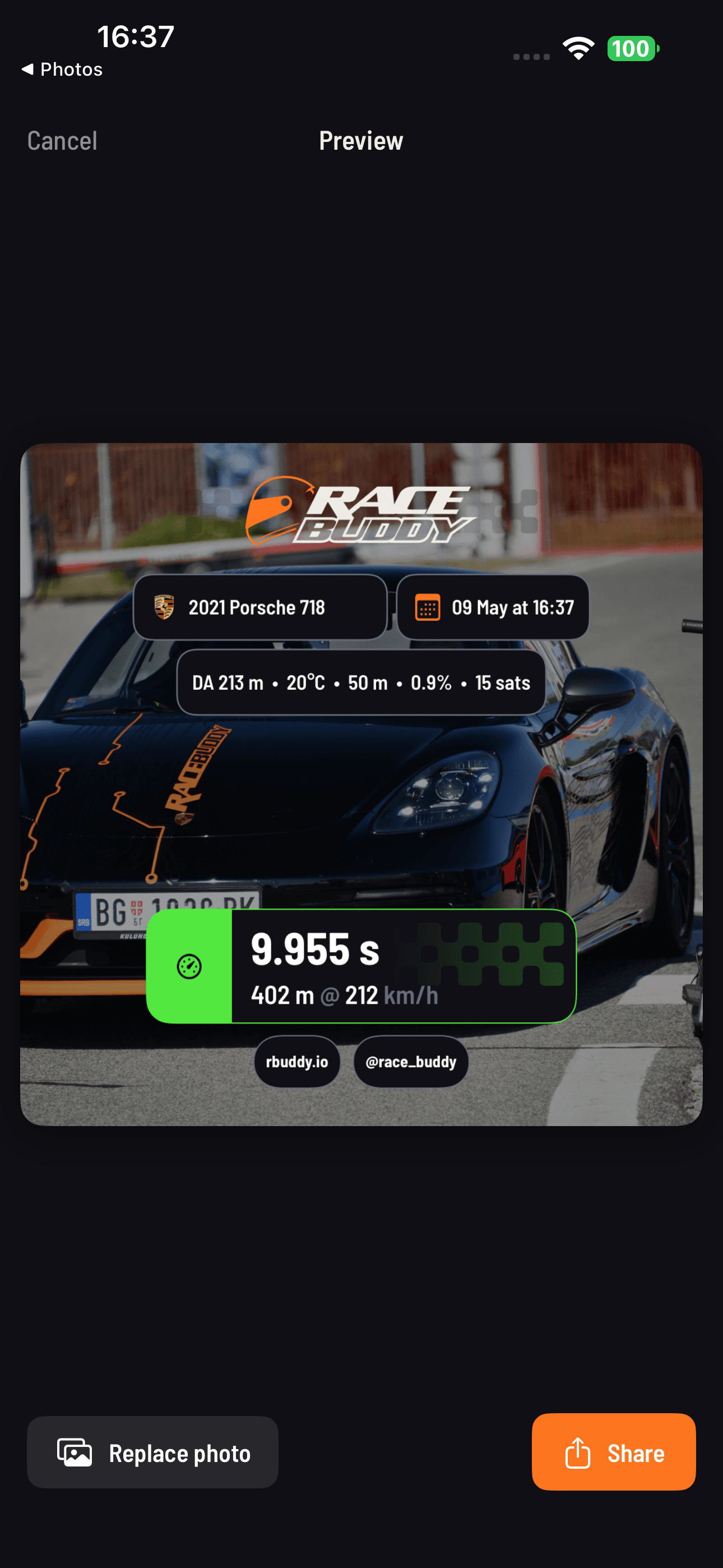
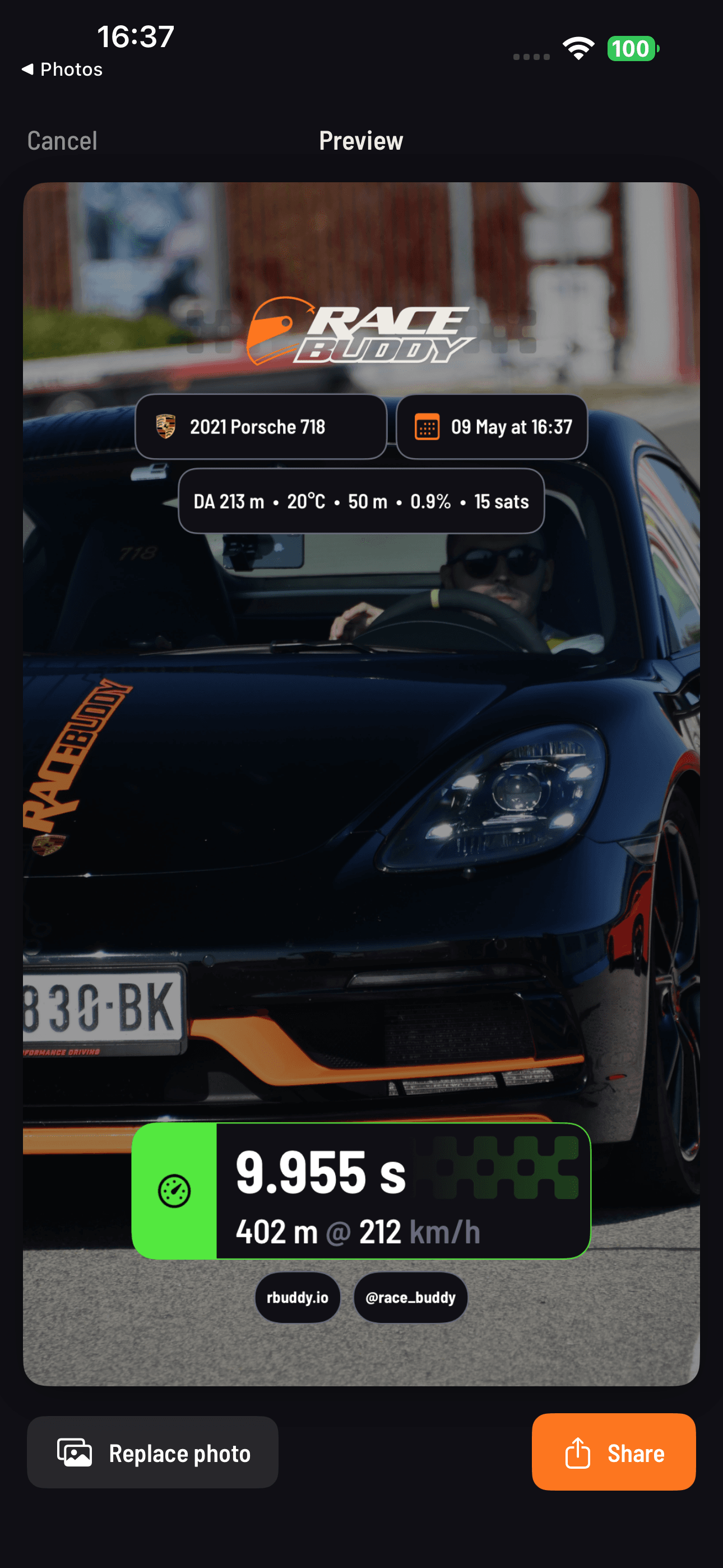
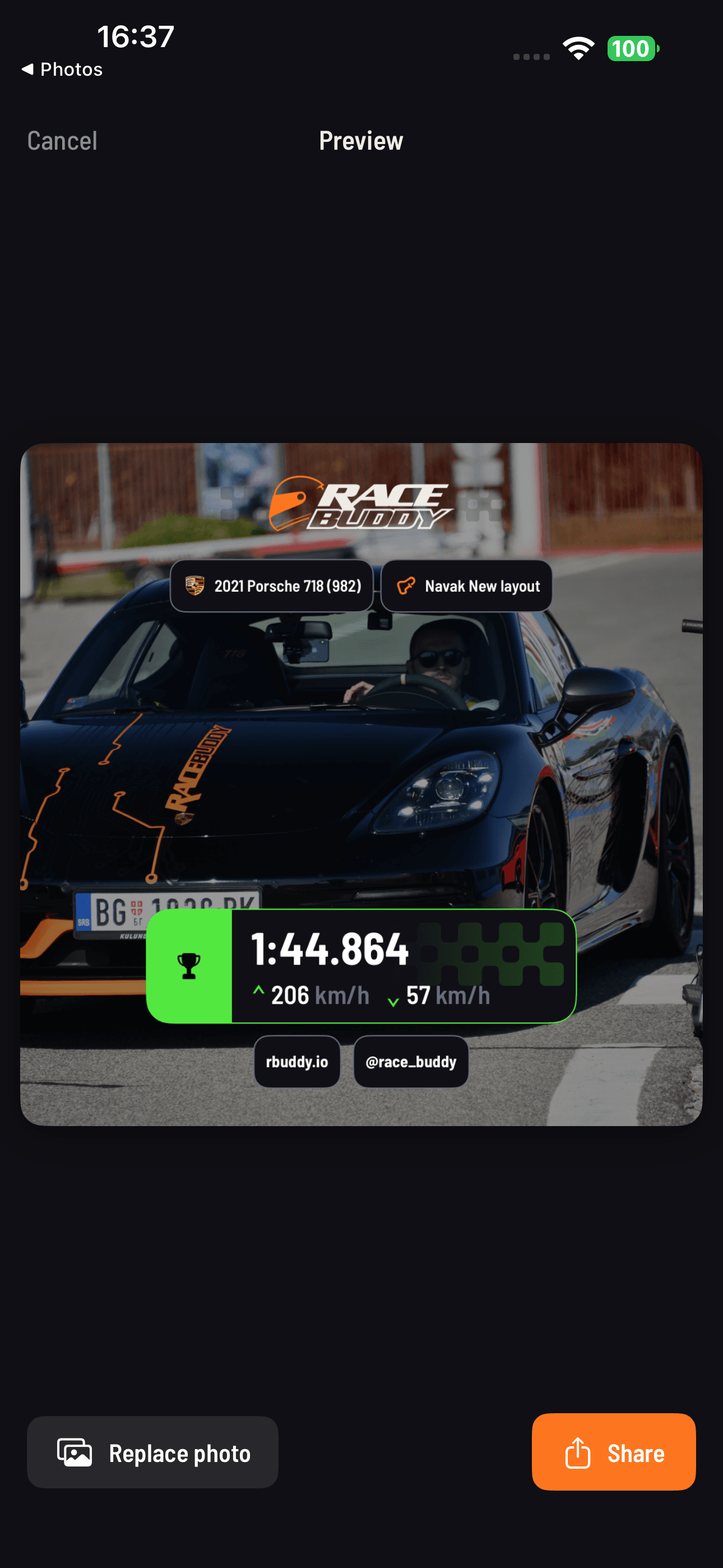
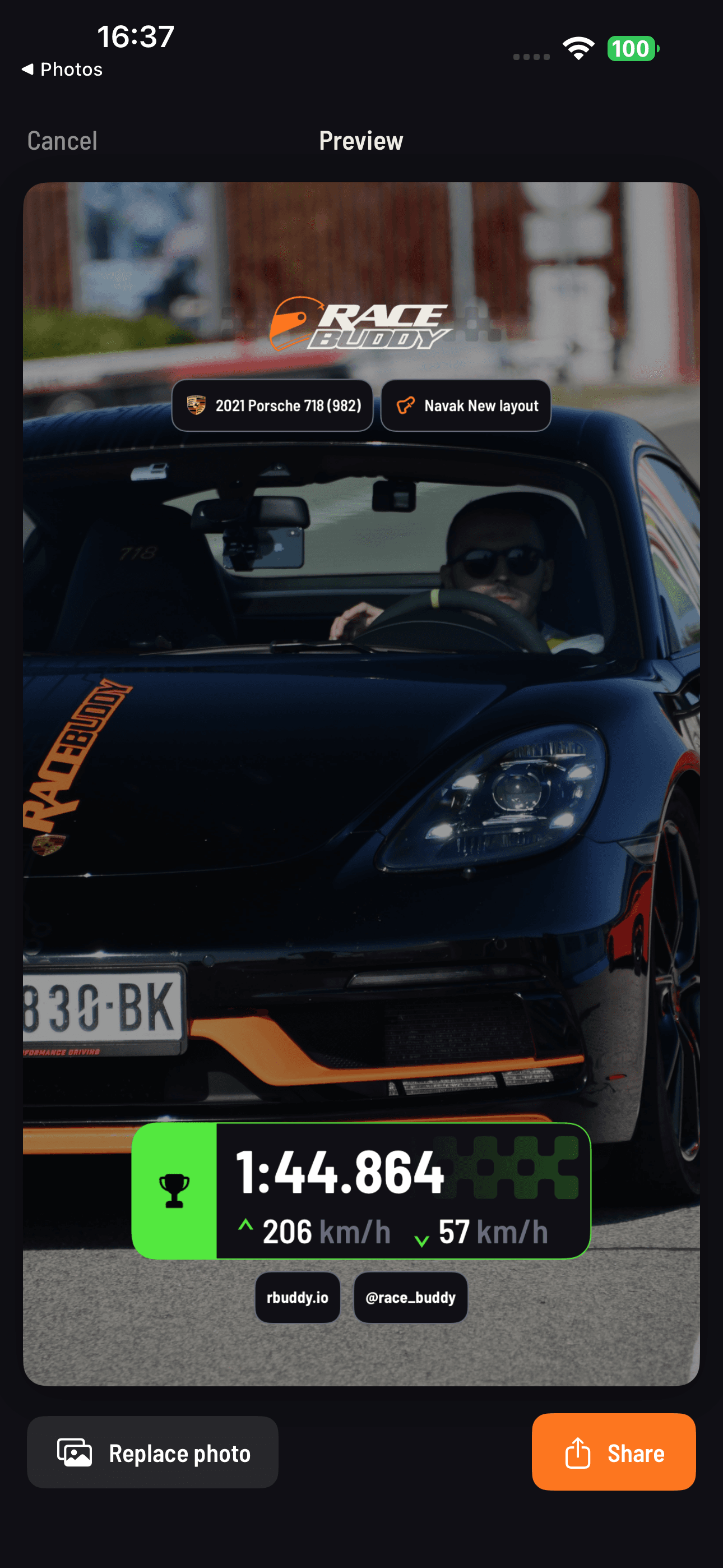
Jede Drag-Fahrt, jede Runde und jedes Leistungs- & Drehmoment-Ergebnis lässt sich als sauberes Bild exportieren — quadratisch (1:1) für den Feed oder vertikal (9:16) für Stories. Deine Zahlen, deine Farben, ein Tipp.
RaceBuddy importiert VBO-, RaceBox-CSV- und Rennsimulator-Sessions direkt, und rbuddy.io akzeptiert außerdem RaceChrono, RaceNavigator, MoTeC und andere CSV-Logs. Für MoTeC-, EMU-, RCZ- und RNZ-Overlays auf Video nutze RB Overlay — unsere Begleit-App.
Gratis ist wirklich nützlich.
Pro wenn du mehr willst.
Gratis mit Phone Mode oder RaceBuddy ONE. Pro, um Dragy, RaceBox, RaceBox.cc, RaceBox Mini / Mini S / Micro oder RaceHF zu verbinden — und für den Coach, Vergleiche und Pro-Video.
Drag-Racing
- 0–60, 0–100, 60–100 Beschleunigung
- 1/4 Meile, 1/8 Meile, 60 ft, mit 1-Fuß-Rollout-Option (und Varianten ohne Rollout)
- Bremstests — 100–0 km/h, 60–0 mph oder jedes Verzögerungspaar
- Eigene Geschwindigkeitspaare (beliebige Start- zu Zielgeschwindigkeit)
- Phone Mode — messen mit dem GPS deines Telefons, kein Gerät nötig
- Fahrten auf Video aufnehmen mit Live-Geschwindigkeitspaaren und Overlay-Export
- Steigungskorrigierte Genauigkeit (automatisch)
- Dichtehöhe mit WeatherKit-Integration
- Fahrtenverlauf und Archiv, Tab „Messungen" je Testart
Rundenzeiten
- Automatische Streckenerkennung aus globaler Streckendatenbank
- Sektor- / Splitzeiten
- Live-Delta und ideale Runde
- Sessionsverlauf mit Strecken- und Fahrzeugfiltern
- VBO- und RaceBox-CSV-Sessions importieren
- VBO- / CSV-Export
- Konfigurierbare Rundendiagramme und Kartenmarker
- Schräglagen-Diagramm für Motorräder
- Strecken-Detailseite — Satellitenkarte, Linien, Rangliste, deine Zeiten
Smart Garage mit KI
- Auto- oder Motorradname eingeben, KI füllt Variante + Motor + Antrieb + Reifen + Aero-Daten
- Unbegrenzte Fahrzeuge, eigene Namen, metrische oder imperiale Einheiten
- Mods-Tracking
Video
- HD-Aufnahme mit Rückkamera und Standard-Telemetrie-Overlay
- Laptimer-Overlay-Export: Greenscreen- und Eigenes-Video-Modus bei 1080p im Querformat mit Standardlayout
Ranglisten
- Globale Ranglisten (Drag + Runden)
- Filter nach Auto, Land, Region
Sonstiges
- Gratis mit Phone Mode oder dem RaceBuddy ONE-Gerät (kein Pro nötig)
- Gratis Pro verdienen — Freunde einladen, Punkte gegen 1 bis 12 Monate Pro einlösen
- Deine Daten im Web — Ranglisten, Fahrt- und Rundenanalyse, Importe auf rbuddy.io
- Fehlerberichte und Feature-Wünsche direkt in der App, mit Ticket-Status
- 8 Sprachen: Englisch, Deutsch, Spanisch, Französisch, Kroatisch, Russisch, Ukrainisch, Chinesisch (vereinfacht)
- Demo-Modus (volle App ohne Gerät ausprobieren)
Konnektivität
- Externe GPS-Geräte verbinden — Dragy (inkl. 69, 70, Pro, Lite), RaceBox / Mini / Mini S / Micro, RaceBox.cc, RaceHF
- Dragy Pro / Lite Onboard-Aufnahmen — durchsuchen und als Fahrten und Runden importieren
- Auto-Connect zu zuvor gekoppelten externen Geräten
- Phone Mode und RaceBuddy ONE bleiben kostenlos — Pro wird nur für die oben genannten Drittanbieter-Geräte benötigt
Drag-Racing
- DIFF-Zeit — Live-Vergleich mit deiner gewählten 1/4-Meilen-Referenzfahrt, mit Querformat-Fokusmodus
- Prognose 1/4 Meile (live, während der Beschleunigung)
- Fahrten vergleichen — Direktvergleich mit „Meine Fahrten“ oder per Fahrt-ID
- Leistung & Drehmoment — Motorleistung und Drehmoment aus einer einzigen GPS-Fahrt messen, als Karte teilen
Rundenzeiten
- KI-Coach — Kurve-für-Kurve-Analyse mit Bremspunkten, verlorener Zeit pro Kurve und einem schriftlichen Debriefing
- Runden vergleichen — deine Telemetrie gegen deine anderen Runden oder öffentliche Ranglisten-Runden
- Eigene Strecken erstellen & veröffentlichen — neue Rennstrecken entwerfen und öffentlich teilen
Video
- Greenscreen-Overlay-Export (Drag-Kamera)
- Eigenes Branding — dein Logo auf Video-Overlays
- Frontkamera — beide Kameras gleichzeitig aufnehmen
- Bild-im-Bild Video-Overlay während der Aufnahme
- Laptimer-Overlay-Export — 2K- und 4K-Auflösung
- Laptimer-Overlay-Export — Hochformat
- Laptimer-Overlay-Export — eigenes Layout (entwerfen, auswählen oder bearbeiten)
App-übergreifend
- Premium-Kundensupport und die Möglichkeit, Feature-Wünsche einzureichen
- Pro ist an dein RaceBuddy-Konto gebunden — bei Neuinstallation oder Telefonwechsel bleibt es erhalten
Häufige Fragen.
Welche GPS-Geräte unterstützt RaceBuddy?
Ist RaceBuddy gratis?
Funktioniert RaceBuddy mit dem eingebauten GPS des Telefons?
Was ist der KI-Coach?
Unterstützt RaceBuddy Motorräder?
Gibt es eine Android-Version?
Kann ich Telemetriedateien importieren?
Wie genau sind die Leistungs- & Drehmoment-Zahlen?
Wie funktioniert „Gratis Pro verdienen“?
Folgt mein Pro-Abo meinem Konto?
Was macht die Steigungskorrektur?
Wie bekomme ich Hilfe?
Kostenloser Download.
Kein Konto erforderlich.
Verbinde ein unterstütztes GPS-Gerät, ab auf den Dragstrip oder die Rennstrecke – und lass die Zahlen sprechen.